Articles
21 November 2019
Optimizing Wifi network on Mikrotik
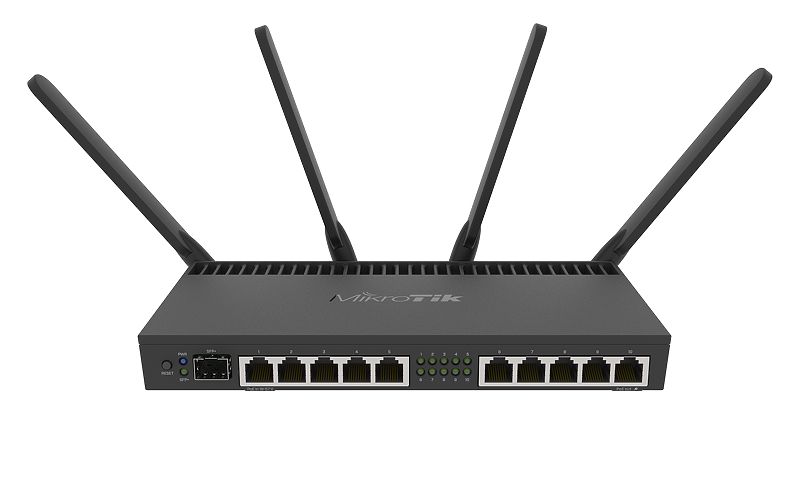
Optimizing a WiFi network on Mikrotik - WiFi is a very important requirement. WiFi can also affect whether visitors will return to your WiFi. What if your visitors access your WiFi network but experience problems, such as slow or difficult connections, automatically those visitors will not return to your place?
Here are some tips for optimizing a WiFi network on Mikrotik
- Only use channels 1, 6, and 11
- Don't use auto channels
- Pay attention to access point placement
- Supported A/G rates: 12Mbps, 18Mbps, 24Mbps, 36Mbps, 48Mbps, and 54Mbps
- Basic A/G rate: 12Mbps, 18Mbps
- 2GHz-G/N band
- Channel Width 20MHz
- For 5GHz frequencies, use 40MHz or 20MHz
- Limit Tx Power
- Use the same SSID
- Ensure sufficient IP pools for the number of visitors
/24 = 256 IPs
/23 = 512 IPs
/22 = 1024 IPs - Don't limit VPN
- Use Bandwidth Management
- For convenience, avoid visitors having to log in frequently
- If you don't need a hotspot, use WPA2-PSK with AES wireless security
- If using a hotspot, increase the session timeout
- Set idle timeout to none
- Keep alive time to none
- Set Minimum Signal Strength to -75
- Disable default authenticate
- Disable default forward
- Turn off WPS mode
These are some tips for optimizing your WiFi network on Mikrotik