Articles
26 June 2019
Setting automatic wifi logout on Mikrotik
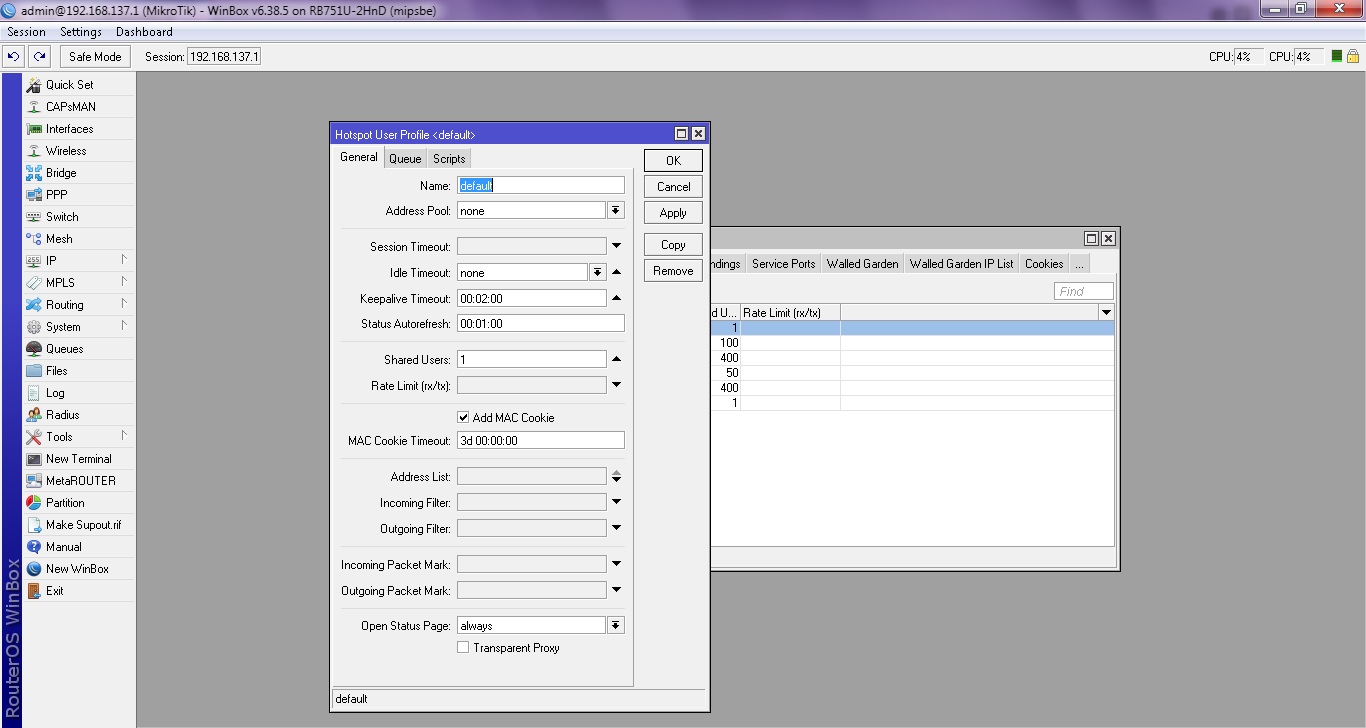
Setting automatic WiFi logout on Mikrotik is commonly known as idle timeout or keepalive timeout. What is the difference between idle timeout and keepalive timeout?
idle timeout
Idle timeout is when the user will be automatically logged out when the user is detected to have no data traffic and the user is still connected to the Mikrotik device.
keepalive timeout
Keepalive timeout is when the user will be automatically logged out when the user is disconnected from the Mikrotik device. For example, if the signal can no longer be reached by the user.
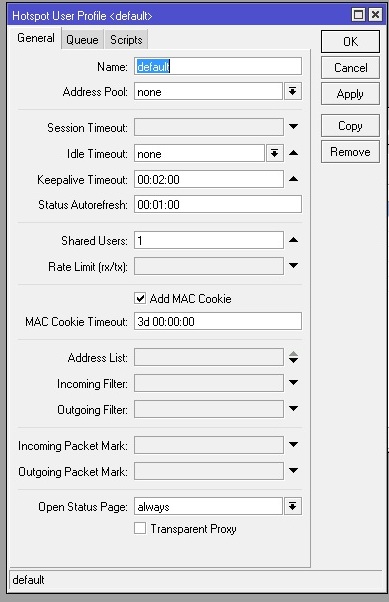
To set idle timeout and keepalive timeout, open Winbox > IP > Hotspot, Select userprofile